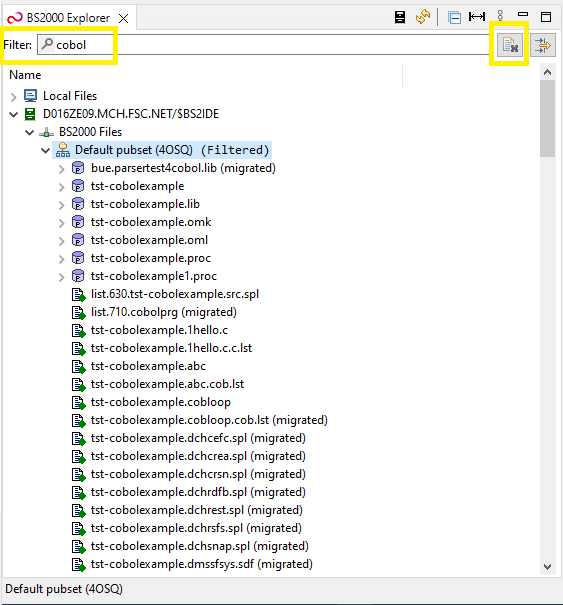
Once the element is filtered, the (Filtered) label will appear next to it. It will remain filtered until filter text is changed or cleared (using button marked above).
You can also select multiple elements to be filtered:
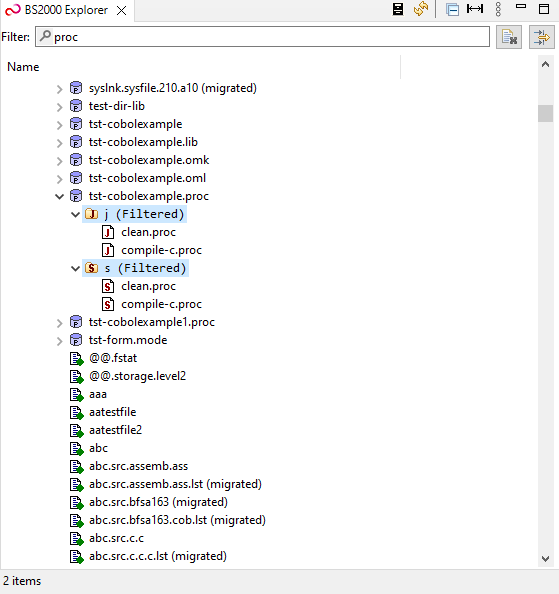
 |
If you have configured additional columns, you can also filter elements by given column by selecting Filter option. For more information regarding filtering please refer to the Property Columns help page. |
Filter type can be changed in BS2000 Explorer menu -> Filter Type:

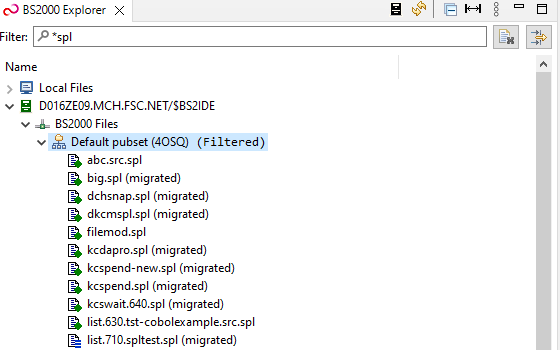
The Wildcard type supports asterisk (*) wildcard which might help looking for files either starting or ending with searched pattern:
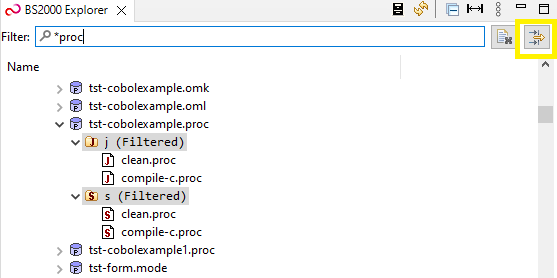
The wizard will be opened and Filter Directories, as well as Filter Strings will be filled accordingly to the Quick Filter:
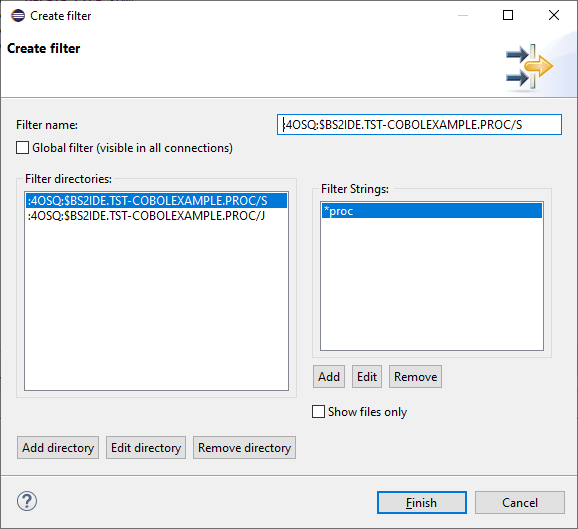
|
Please note that currently BS2000 Explorer Filters support only Name column as a Filter String. Other columns that were selected to be filtered will not be used in standard filters. |